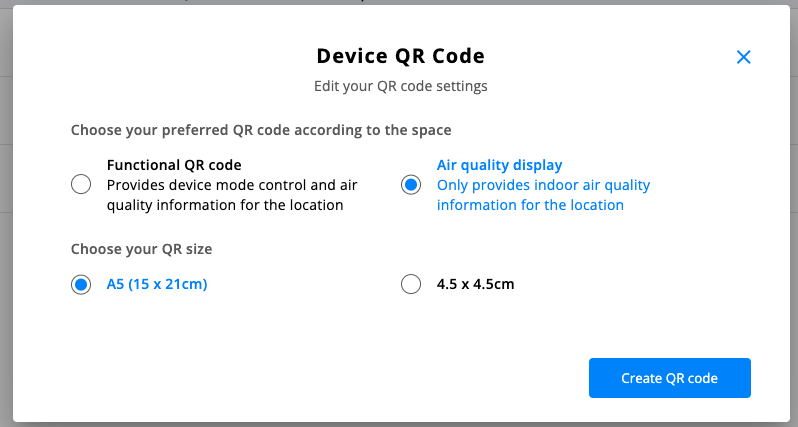
Within the Management module, you can print and share with your guest or employees a unique QR code that shows them the indoor AQI of the device in the room. Once scanned, users see real-time indoor and outdoor AQI, along with detailed information on the various parameters that we track (CO, CO2, VOC, Humidity, PM 1, PM2.5, PM10, and temperature) as well as upcoming weather forecasts.
But that’s not all!
Within the Aura Air Web Platform, owners and administrators have the ability to choose a Functional QR code. This QR code allows employees and guests to control Aura Air device, including mode preferences, and easily turn the LED indicator on or off as needed on Aura Air. Additionally, it is possible to switch the QR code type from Functional to Air Quality Display if desired.
Was this article helpful?
That’s Great!
Thank you for your feedback
Sorry! We couldn't be helpful
Thank you for your feedback
Feedback sent
We appreciate your effort and will try to fix the article