The Aura Air Web Platform allows you to easily oversee, monitor, and control all your devices from one centralized location. You'll have instant access to comprehensive indoor and outdoor air quality information, enabling you to make informed decisions about your air management.
Platform Features:
- View real-time data from all your devices and locations
- Assign users to specific locations with customized access privileges
- Tailor device modes for individual spaces and optimal performance
- Create personalized automation rules
- Generate detailed reports tracking sensor measurements and maintenance activities
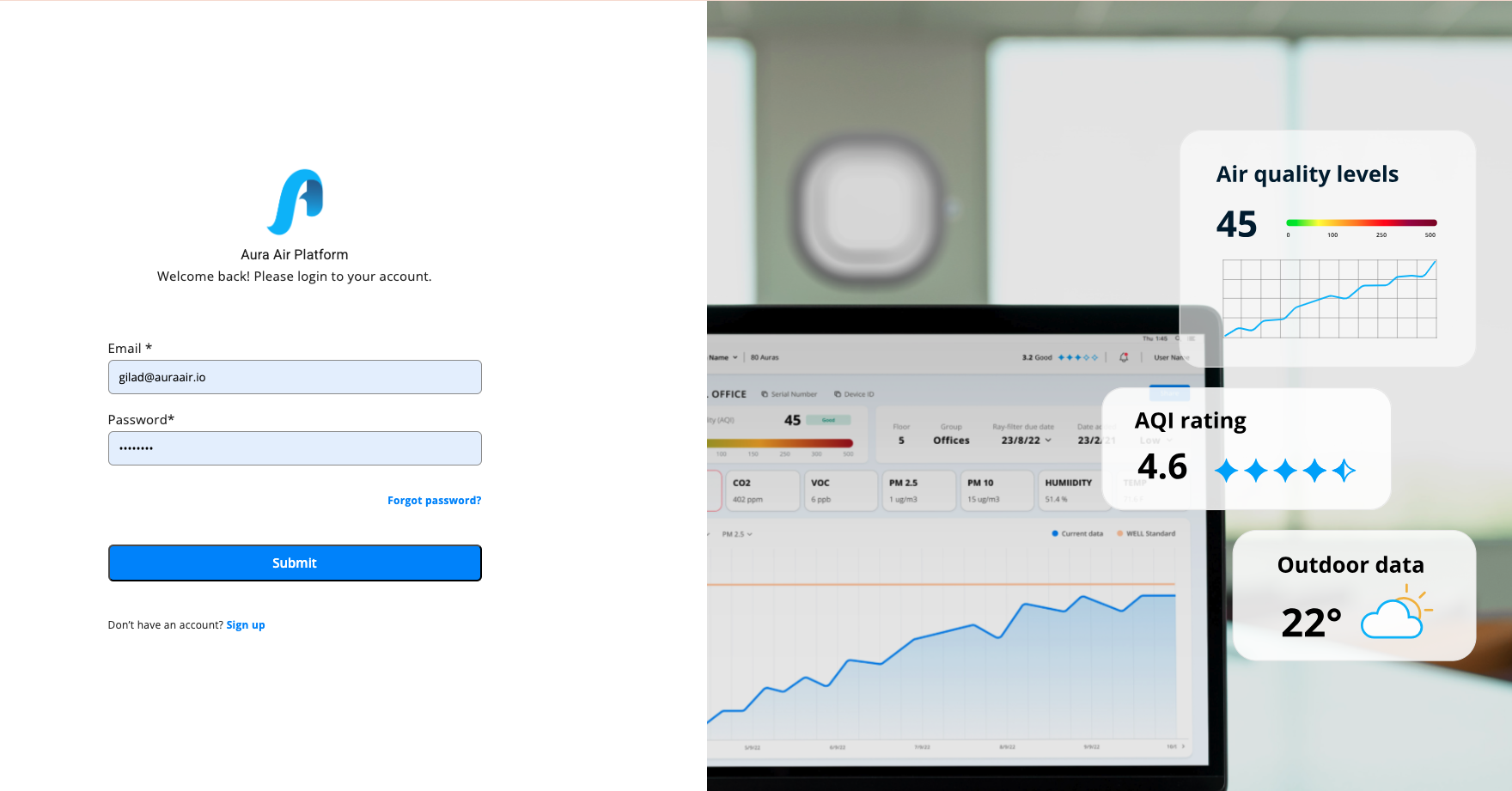
Onboarding Process
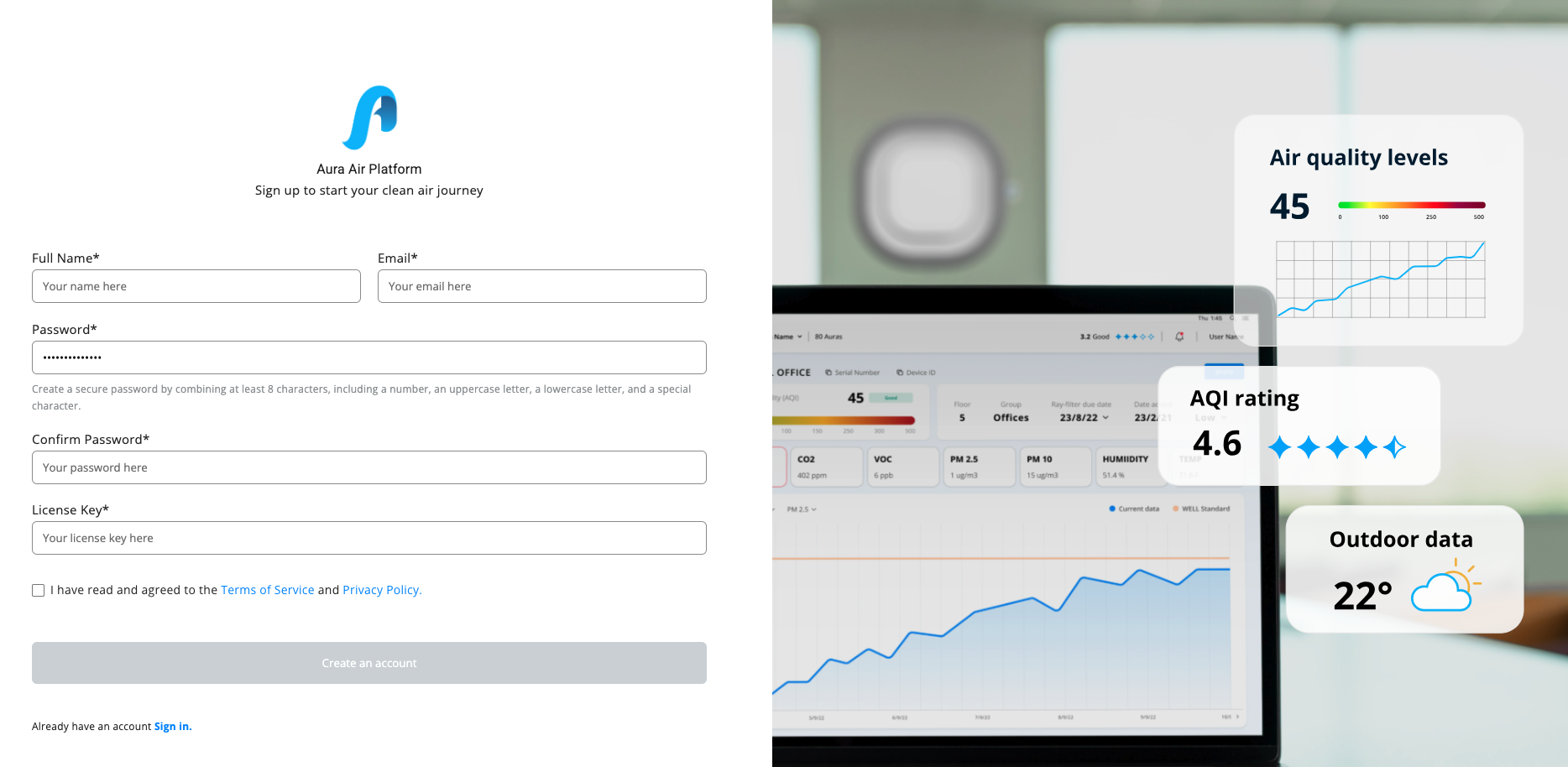
Step 1: Create Your Account To receive your License Key required to complete registration, please contact Support@auraair.io or the authorized dealer that sold you the device. Once received, you can continue the process below.
Click the link to begin registration, then check your email for a verification message. Complete your personal details to start the onboarding process.
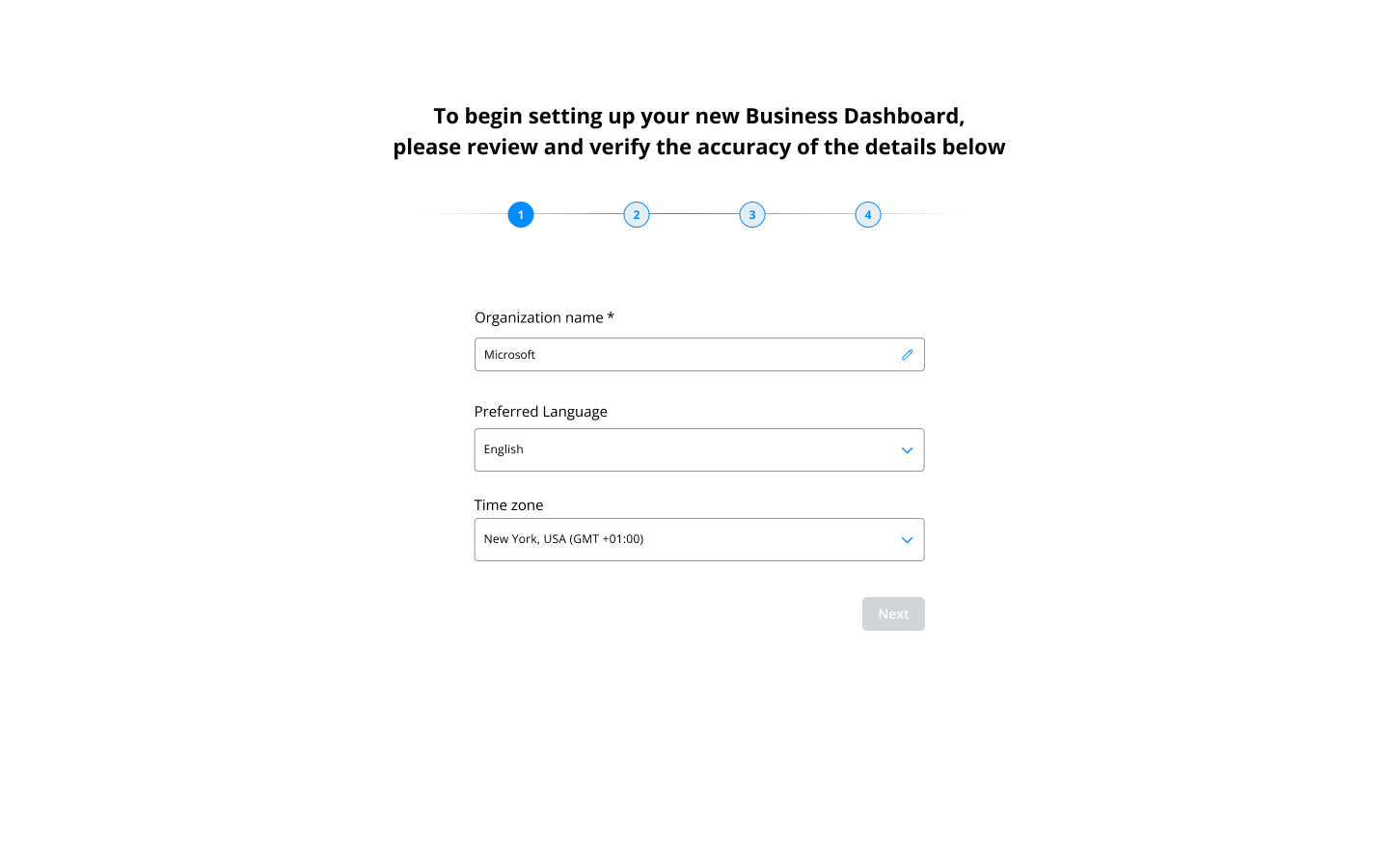
Step 2: Set Up Your Organization
- Organization Name: Enter your company or organization name
- Language: Choose from 8 available platform languages
- Time Zone: Select your preferred time zone for accurate scheduling
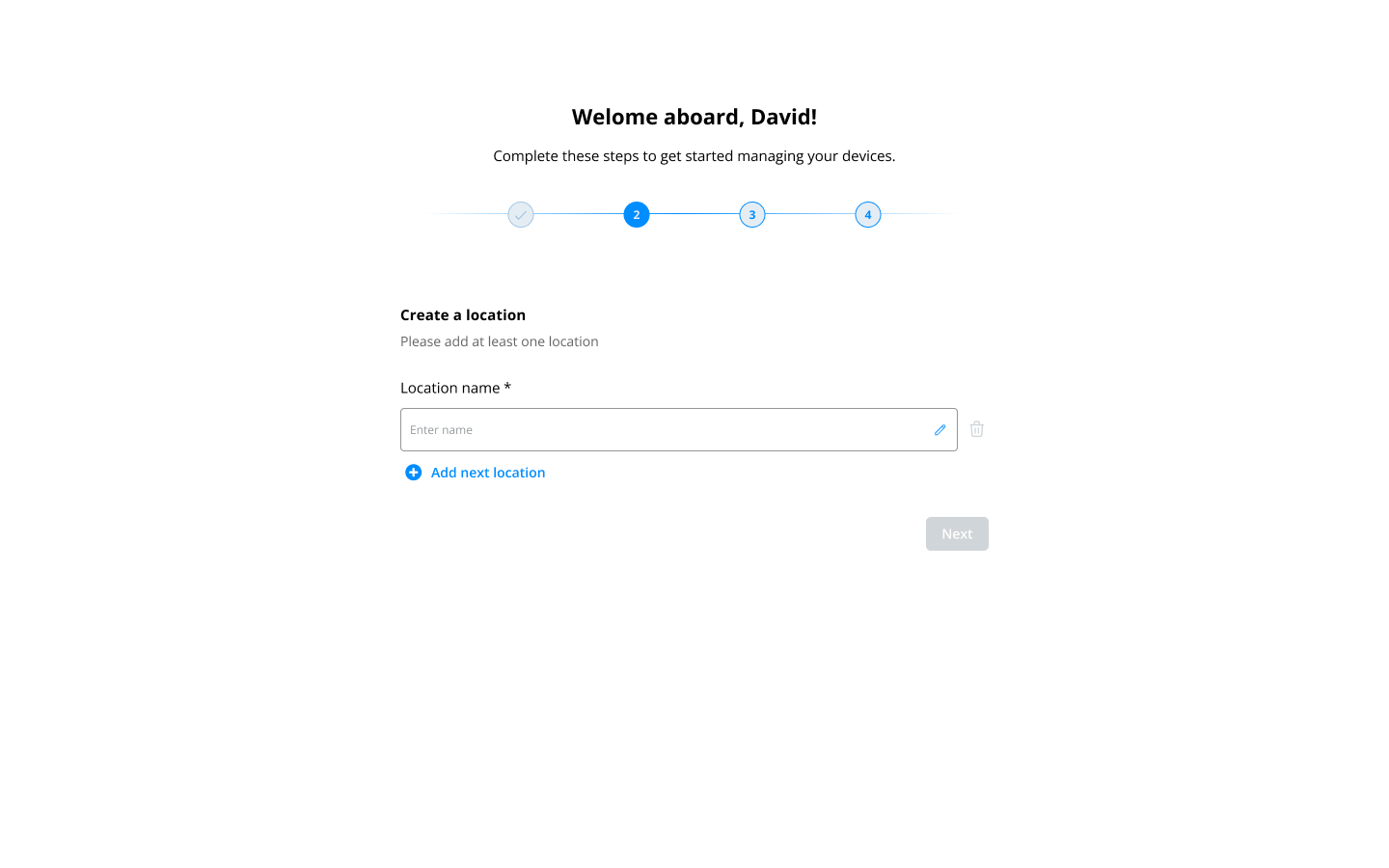
Step 3: Create Your First Location
Name your primary location. This could be your main office, facility, or any space where you'll be monitoring air quality.
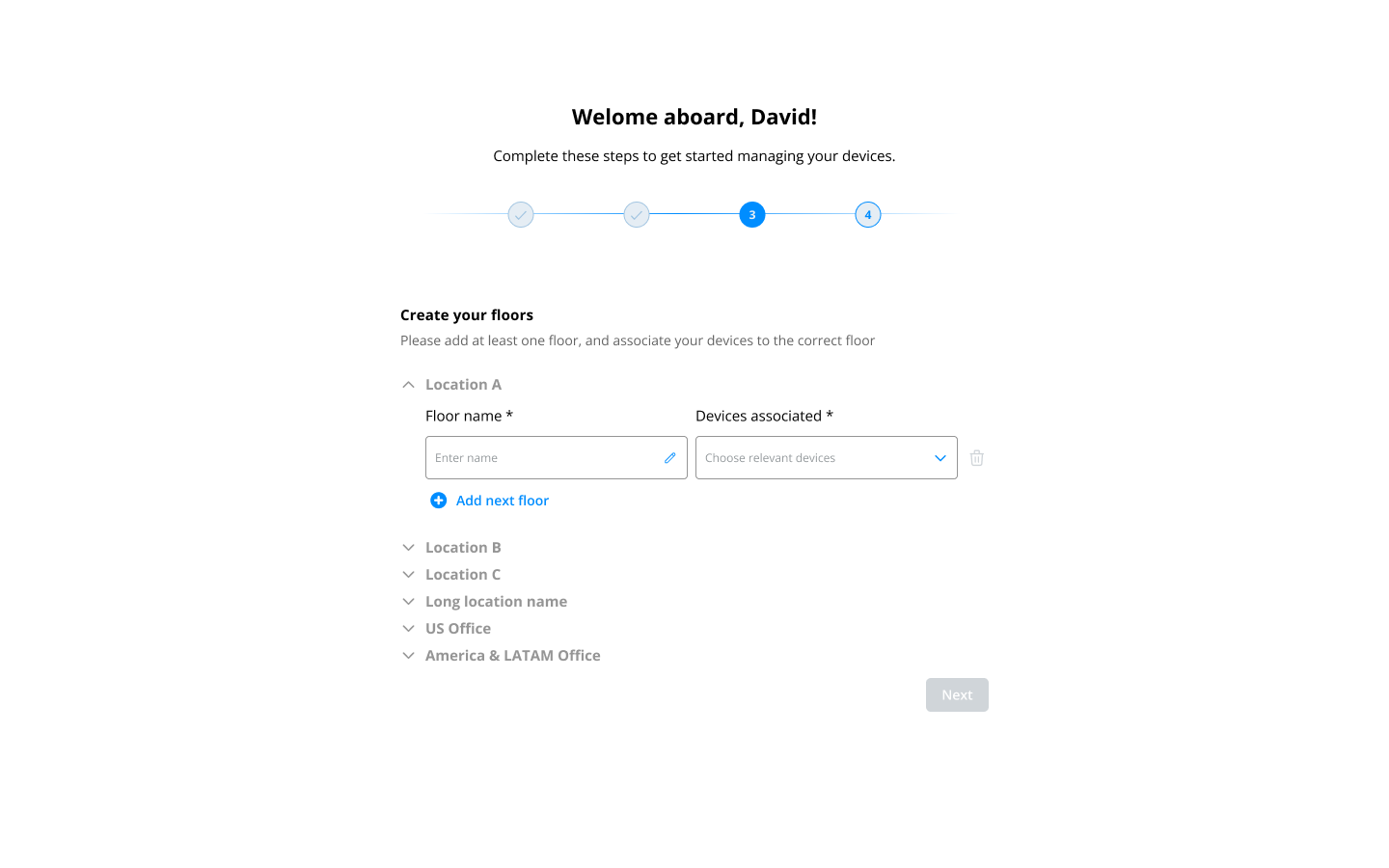
Step 4: Add Floor Information
Add floors to your location for better fleet management and organization. This helps when you have devices across multiple levels of a building.
Step 5: Add Users
Add team members who will need access to the platform. When you add users, they'll receive:
- Access to the Aura Air Web Platform
- Link to the Aura Air Business Application
- Role-based permissions you assign
You can manage user activities, assign specific roles, and control their access levels.
Step 6: Download the Mobile App
Complete your setup by downloading the Aura Air Business app for mobile access and additional functionality.
What's Next? Once onboarding is complete, you can begin adding and pairing your devices, setting up automation rules, and customizing your air quality management system to meet your specific needs.
Was this article helpful?
That’s Great!
Thank you for your feedback
Sorry! We couldn't be helpful
Thank you for your feedback
Feedback sent
We appreciate your effort and will try to fix the article